Understanding Object Oriented Programming in JavaScript
When programs grow bigger, writing everything as loose variables and functions becomes messy. Imagine managing a school system, a car dealership, or even a game using scattered variables everywhere. Even thinking about it makes head spin.
This is where Object-Oriented Programming (OOP) helps.
OOP is a programming approach where we structure our code around objects that represent real-world things.
In short:
Instead of writing random code, we organize code the way the real world works.
Real-World Analogy: Blueprint → Objects
Before a car is manufactured, engineers design a blueprint.
That blueprint defines:
Engine
Wheels
Color
Speed
But the blueprint itself is not a car.
From the same blueprint, we can produce thousands of cars.
Blueprint → Objects Visualization
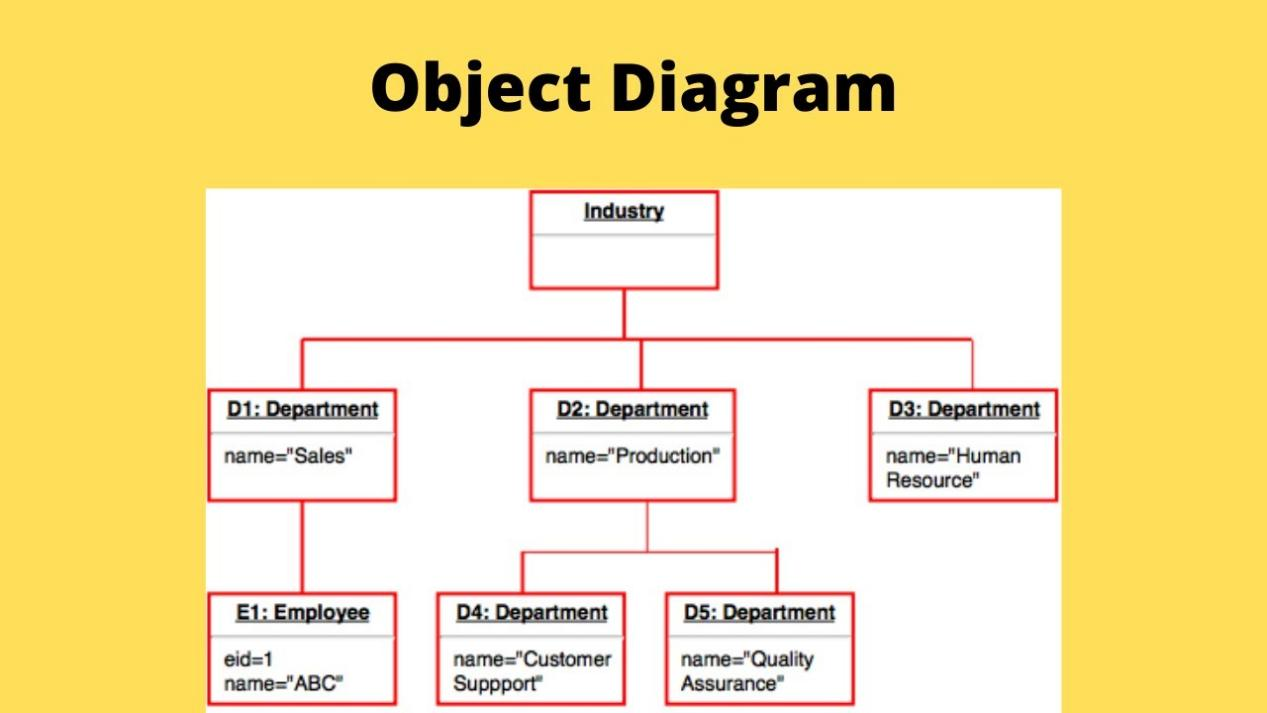
In programming:
| Concept | Real World | Programming |
|---|---|---|
| Blueprint | Car design | Class |
| Manufactured car | Physical car | Object |
So we can create many objects from one class.
What Is a Class in JavaScript?
A class is like a blueprint used to create objects. Basically a mold for mass production of statues. I might have made it worse, nevermind, just code for a bit and you would understand it.
A Class defines:
What properties objects will have
What actions (methods) they can perform
Example:
class Person {

}
- Right now, this class doesn't do anything yet — it's just an empty blueprint.
Creating Objects Using Classes
Once we have a class, we can create objects using the new keyword.
Example:
class Person {}

const person1 = new Person();
const person2 = new Person();
//2 objects person1 and person2, stupid variable names must be forgiven
Here:
person1andperson2are objectsBoth were created from the Person class
It's like building two houses using the same architectural design.
Constructor Method
The constructor is a special method that runs when we create an object.
It helps initialize the object's properties.
Example:
class Person {

  constructor(name, age) {
    this.name = name;
    this.age = age;
  }

}
Explanation:
thisrefers to the current object, it's actually very important.Each object will get its own values.
Creating objects:
const person1 = new Person("Rahul", 25);
const person2 = new Person("Anita", 22);
Now:
person1 → Rahul, 25
person2 → Anita, 22
Congratulations. We just manufactured two humans in JavaScript.
Methods Inside a Class
Methods are functions inside a class. Methods are basically functions that are built in the
classcode.They describe what an object can do.
Example:
class Person {

  constructor(name, age) {
    this.name = name;
    this.age = age;
  }

  greet() {
    console.log("Hello, my name is " + this.name);
  }

}
Create an object:
const person1 = new Person("Rahul", 25);
person1.greet();
Output:
Hello, my name is Rahul
Now our objects can introduce themselves.
Finally, JavaScript objects have better manners than most people on the internet.
Example: Car Class
- Let’s look at another simple example. Final One, I promise.
class Car {

  constructor(brand, speed) {
    this.brand = brand;
    this.speed = speed;
  }

  drive() {
    console.log(this.brand + " is driving at " + this.speed + " km/h");
  }

}
Create objects:
const car1 = new Car("Tesla", 120);
const car2 = new Car("BMW", 150);

car1.drive();
car2.drive();
Output:
Tesla is driving at 120 km/h
BMW is driving at 150 km/h
- One blueprint → many cars.
Sadly, still no free Tesla.
Basic Idea of Encapsulation
Encapsulation simply means:
Keeping related data and functions together in one place.
Instead of writing random variables everywhere, we bundle them inside a class.
Example:
Without OOP:
let name = "Rahul";
let age = 25;

function greet() {
  console.log("Hello " + name);
}
With OOP:
class Person {

  constructor(name, age) {
    this.name = name;
    this.age = age;
  }

  greet() {
    console.log("Hello " + this.name);
  }

}
Everything related to Person lives inside the class. You can clearly see how much this can help.
This makes code:
Easier to understand
Easier to maintain
Easier to reuse
And most importantly, it prevents the developer from shouting
“Where did I define that variable?!” at 2 AM.
Why OOP Is Useful
OOP helps developers:
Organize code better
Reuse code easily
Represent real-world entities clearly
Reduce repetition
Instead of rewriting the same code for every new object, we just create new instances from the class.
Programmers call this code reusability.
Managers call this productivity.
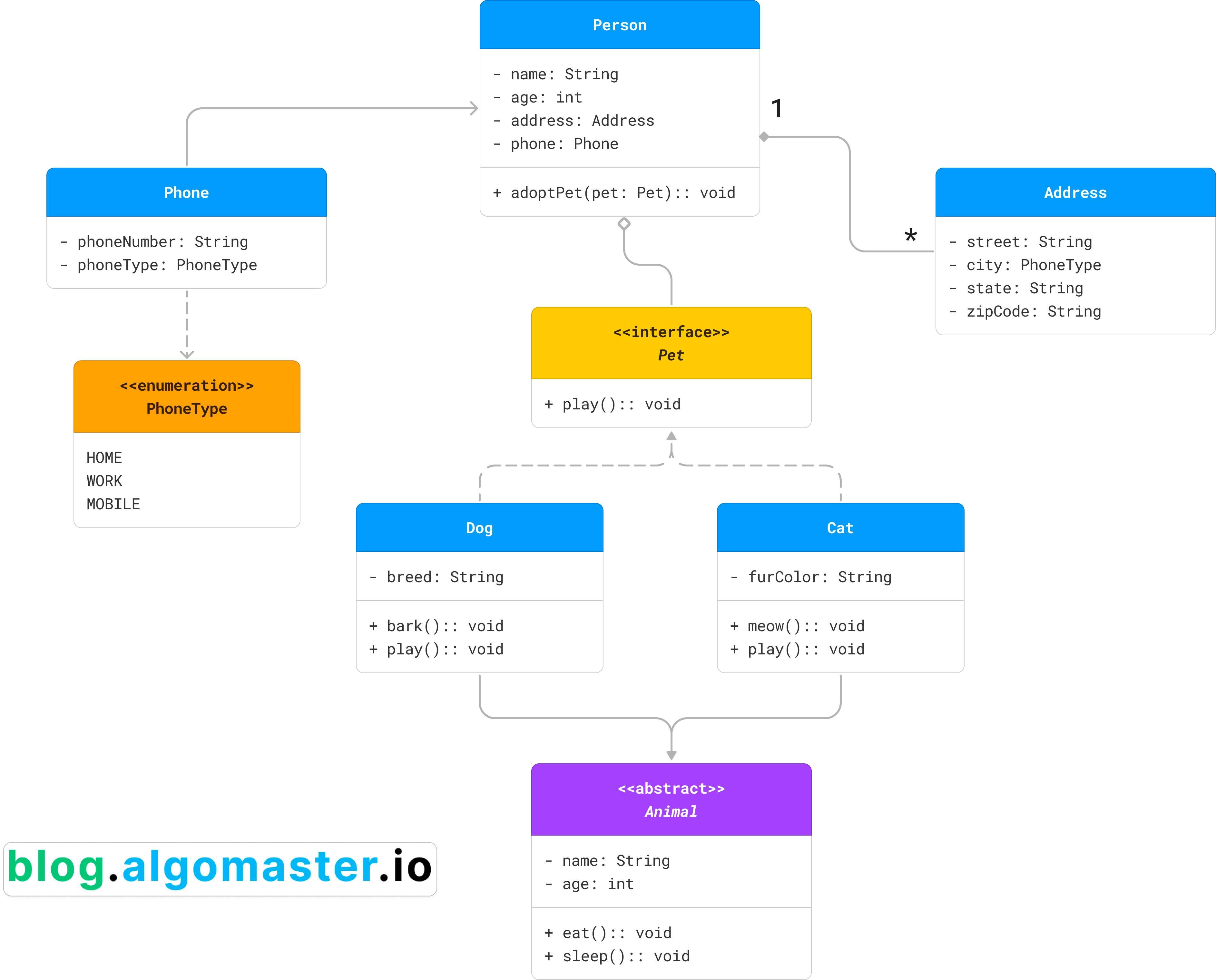
Class → Object Relationship
Visual Representation

Conclusion
I think, well hope you learnt a little bit more about objects today. I hope you a beautiful summer.
Last but not least, I am grateful to the #chaicode team. Couldn't have done this without the community.

